About Phys Man (Universal)
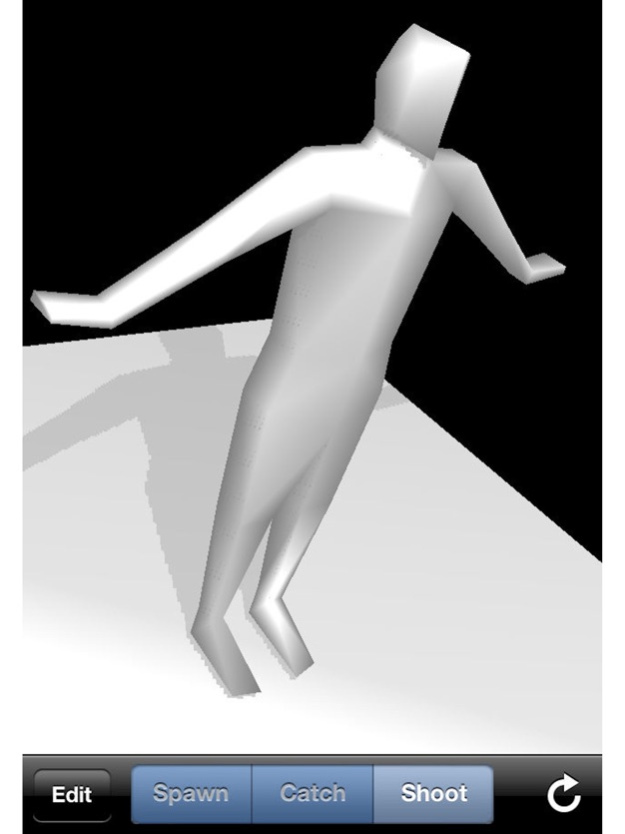
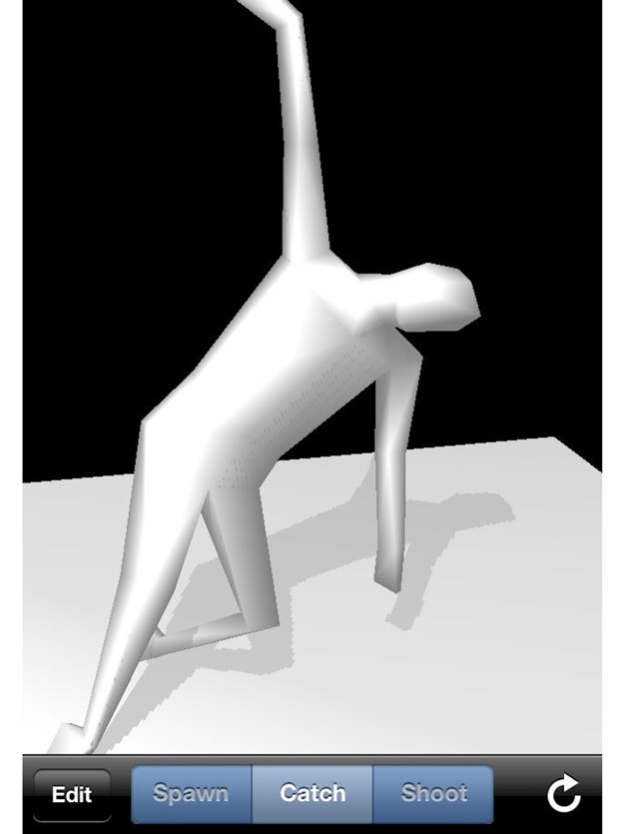
Phys Man is a human body simulator based on physics. You can do some actions to the Phys Men. Phys Man is a human body simulator based on physics. You can do some actions to the Phys Men. [Features] -
Phys Man is a human body simulator based on physics.
You can do some actions to the Phys Men.
Phys Man is a human body simulator based on physics.
You can do some actions to the Phys Men.
[Features]
- Realistic motion of the Phys Men.
- Gyro or Compass and Accelerometer provide 6-axis motion sensing.
- Retina display is supported.
- Realistic shadow by OpenGL ES 2.0.
[Compatibility]
- iPhone / iPod touch and iPad are compatible.
- OpenGL ES 2.0 is not required.
- Gyro and Compass and Accelerometer are not required.
[Actions to the Phys Men]
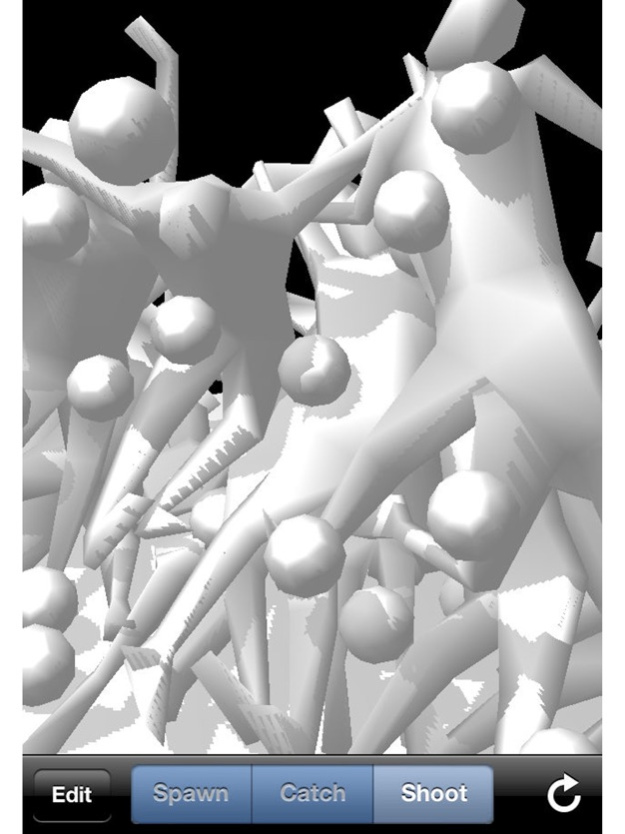
- Spawn the Phys Men
- Catch and Drop and Throw the Phys Men
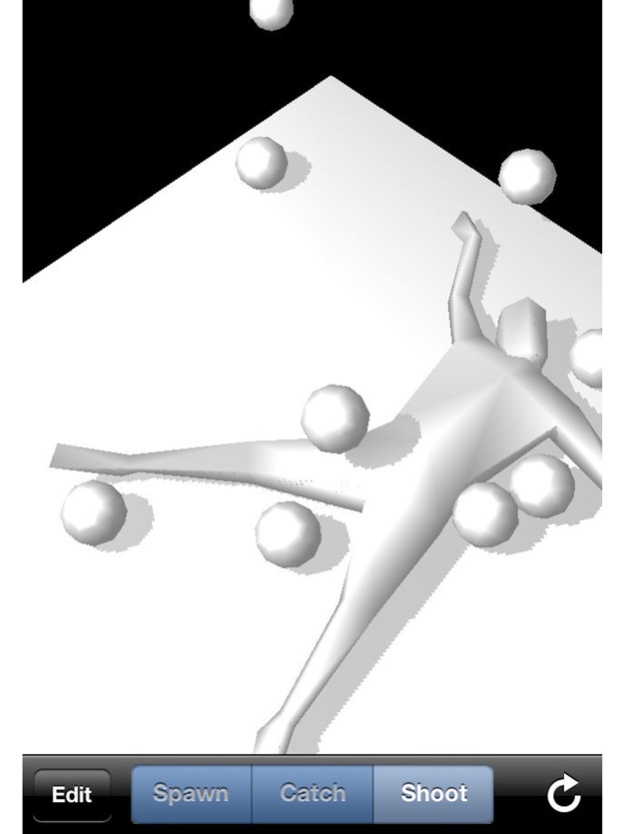
- Shoot the balls to the Phys Men
[Option settings]
- Renderer (OpenGL ES 1.1 / OpenGL ES 2.0)
- Retina Display (On / Off)
- Shadow (On / Off)
- Motion sensing (Gyro / Compass / Accelerometer / None)
- Maximum number of Phys Men (1 - 8)
- Time scale (0% - 100%)
[Motion sensing modes]
- Gyro + Accelerometer
- Compass + Accelerometer
- Accelerometer
- None
May 26, 2022
Version 3.0
Rebuilt for new iOS.
Previous Versions
Here you can find the changelog of Phys Man (Universal) since it was posted on our website on 2016-09-28 13:51:12.
The latest version is 3.0 and it was updated on 2024-04-22 08:38:59. See below the changes in each version.
Phys Man (Universal) version 3.0
Updated At: 2022-05-26
Changes: May 26, 2022 Version 3.0
Rebuilt for new iOS.
Phys Man (Universal) version 2.9
Updated At: 2018-06-08
Changes: Jun 8, 2018 Version 2.9
This app has been updated by Apple to use the latest Apple signing certificate.
Built for new iOS.
Phys Man (Universal) version 2.9
Updated At: 2018-06-08
Changes: Jun 8, 2018 Version 2.9
Built for new iOS.
Phys Man (Universal) version 2.9
Updated At: 2018-06-08
Changes: Jun 8, 2018 Version 2.9
This app has been updated by Apple to display the Apple Watch app icon.
Built for new iOS.
Phys Man (Universal) version 2.7
Updated At: 2011-04-28
Phys Man (Universal) version 2.9
Updated At: 1970-01-01
Changes: 2018年6月8日 Version 2.9
Built for new iOS.
Phys Man (Universal) version 2.9
Updated At: 1970-01-01
Changes: 8 de jun. de 2018 Version 2.9
Built for new iOS.
Disclaimer
Official App Store Link
We do not host Phys Man (Universal) on our servers. We did not scan it for viruses, adware, spyware or other type of malware. This app is hosted by Apple and passed their terms and conditions to be listed there. We recommend caution when installing it.
The App Store link for Phys Man (Universal) is provided to you by apps112.com without any warranties, representations or guarantees of any kind, so access it at your own risk.
If you have questions regarding this particular app contact the publisher directly. For questions about the functionalities of apps112.com contact us.